1
Get your photos ready
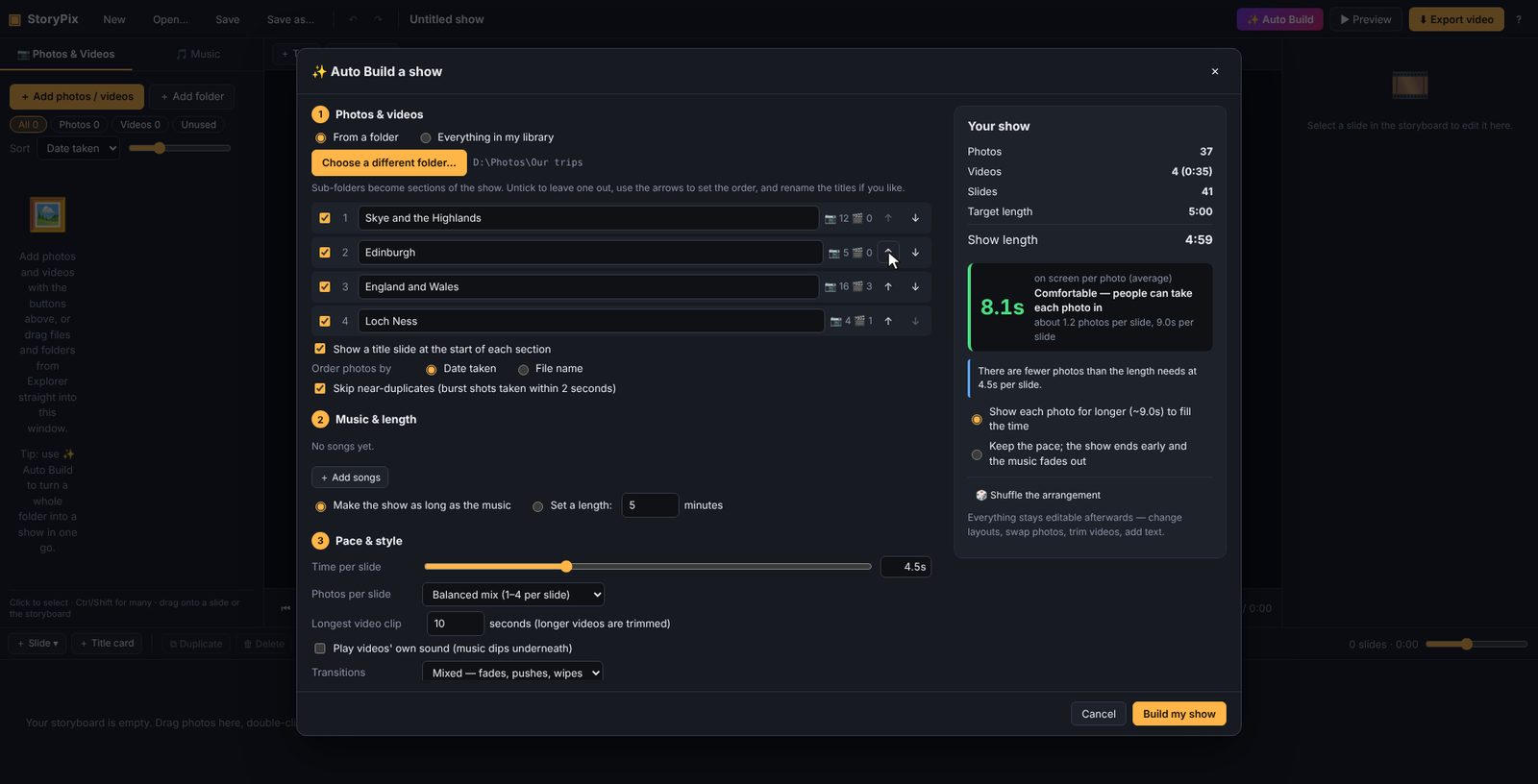
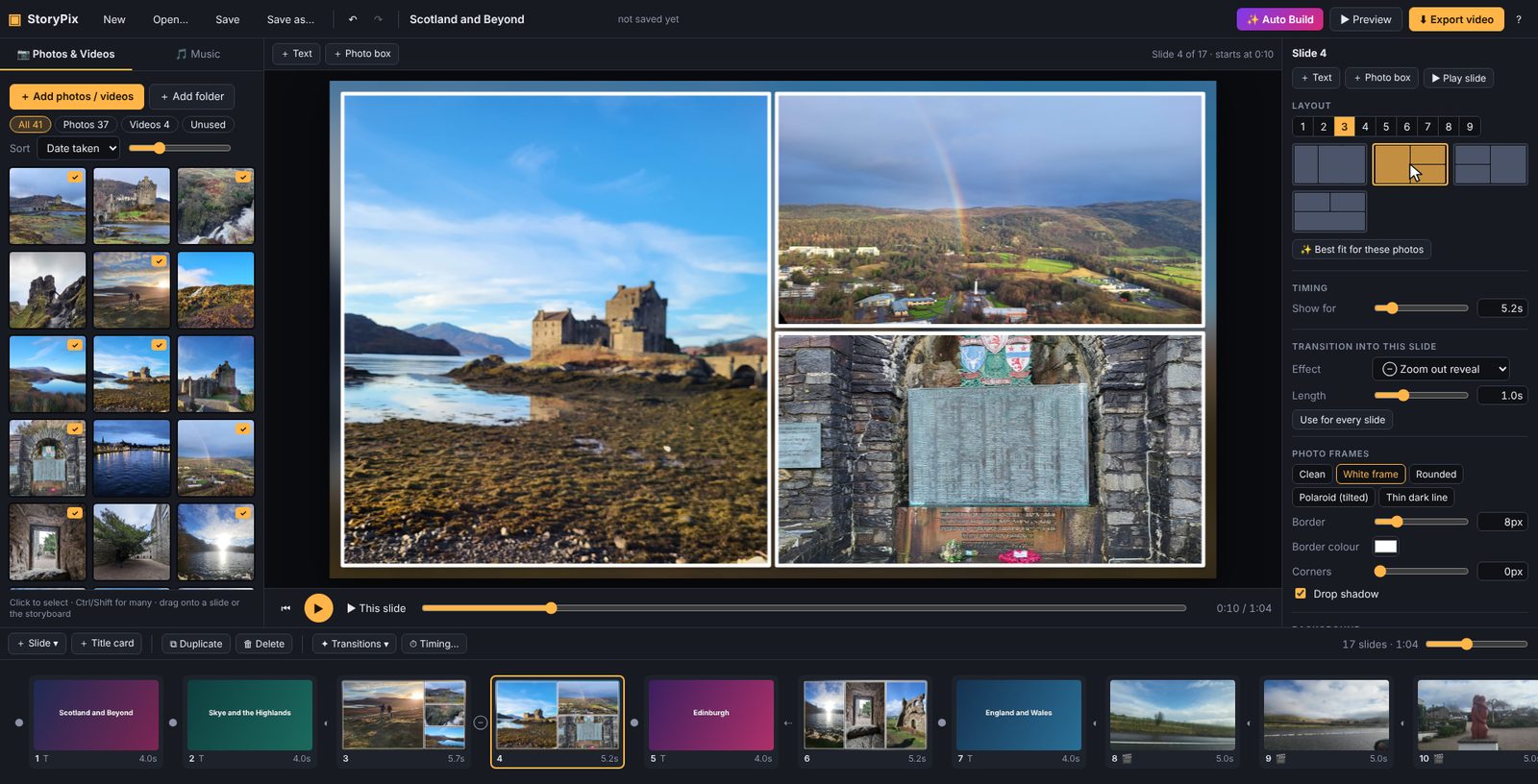
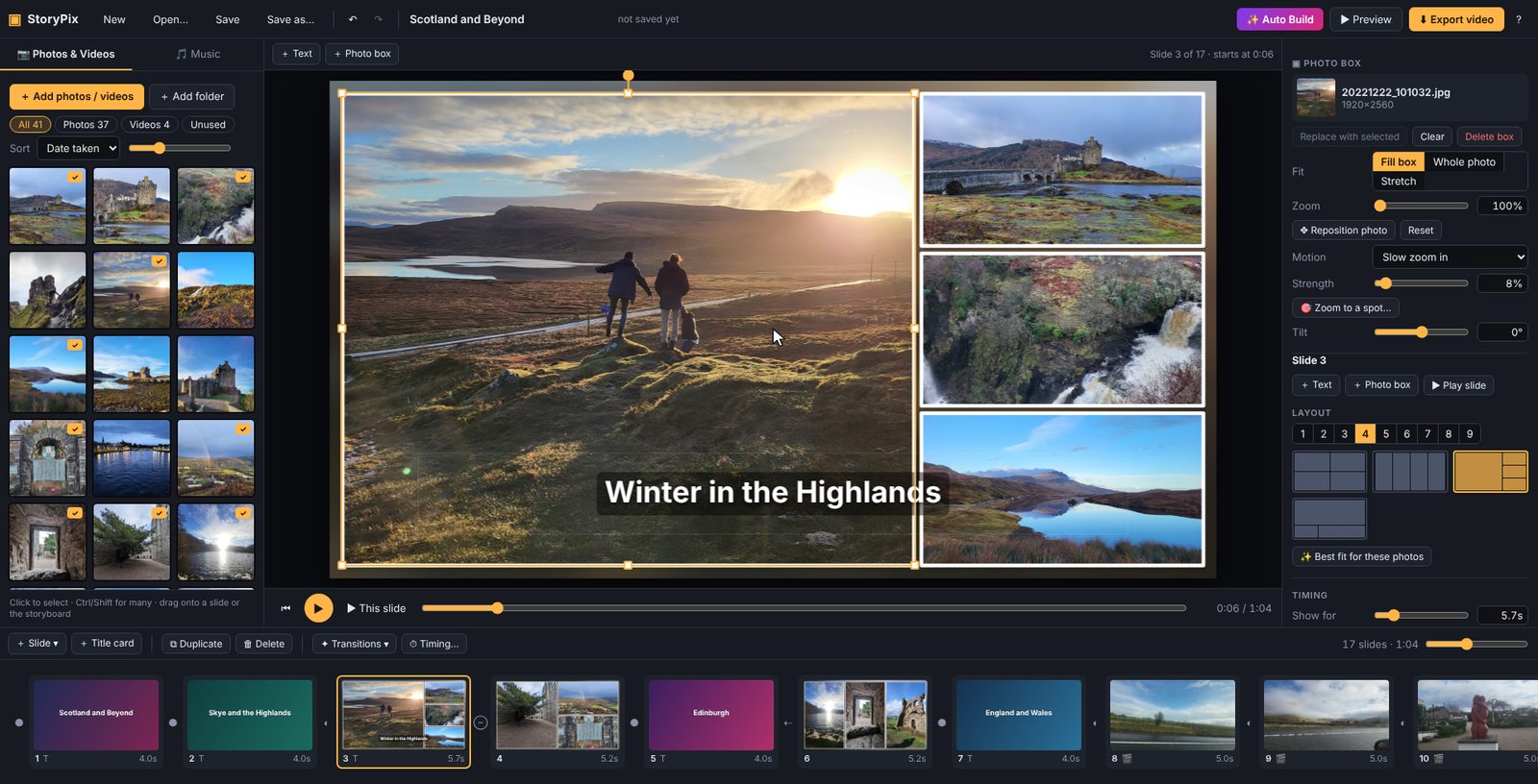
Put the photos and video clips for the show in one folder. Inside it, make a sub-folder for each part of the show, such as Term 1, Camp and Sports Day. StoryPix turns each sub-folder into a section with its own title slide.
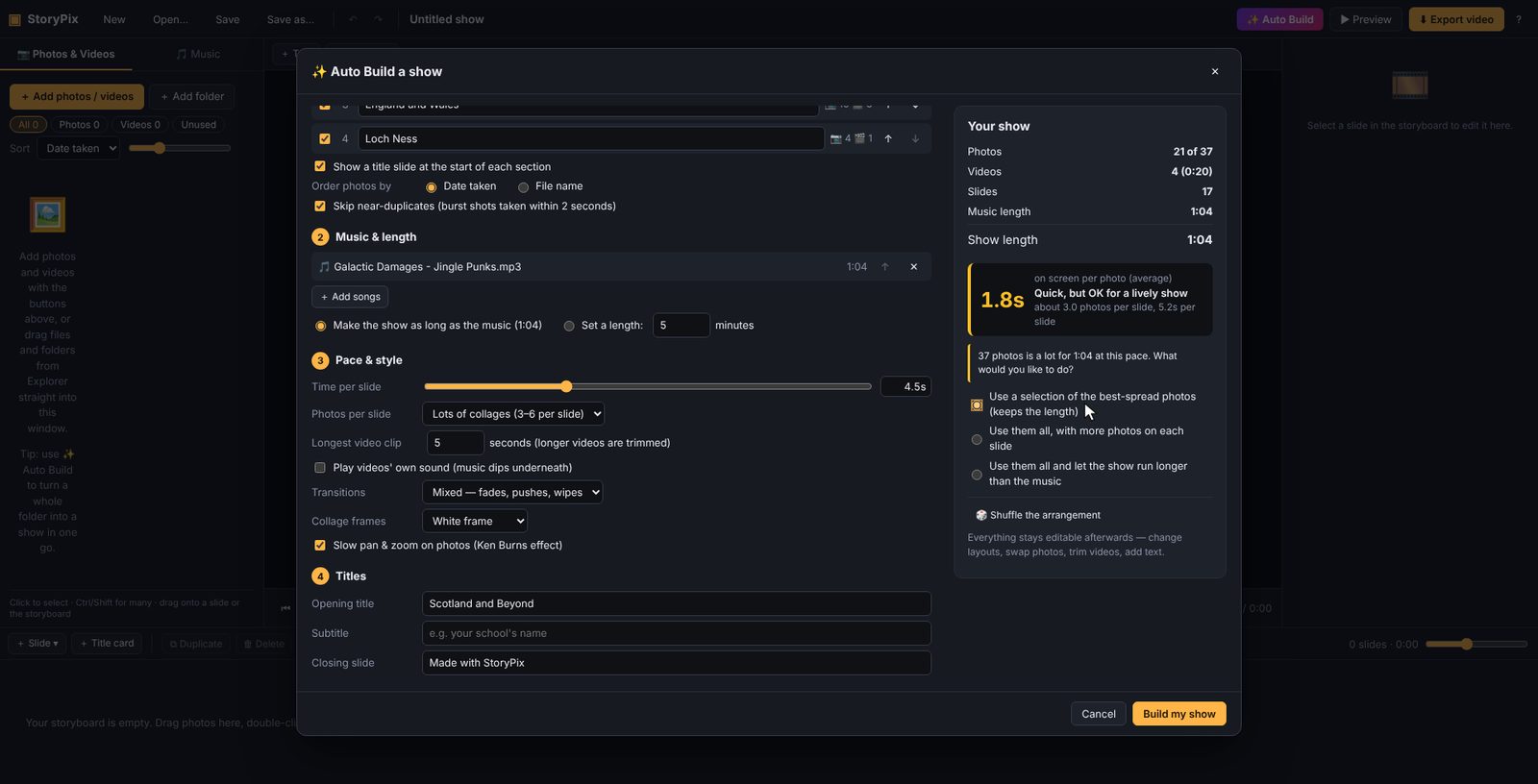
Have your music ready too: MP3, M4A and WAV files all work.
Tip: There's no need to rename or resize anything. StoryPix sorts photos by the date they were taken and handles phone photos taken sideways.
📁 Year 12 2026
- 📁 1 Term 1 — 64 photos
- 📁 2 Camp — 120 photos, 3 videos
- 📁 3 Sports Day — 85 photos
- 📁 4 Formal — 140 photos, 1 video
Numbers at the start of folder names set the order and are left off the titles. You can also reorder sections in StoryPix.